English
  Russian
  Spanish
  French
  German
Blog
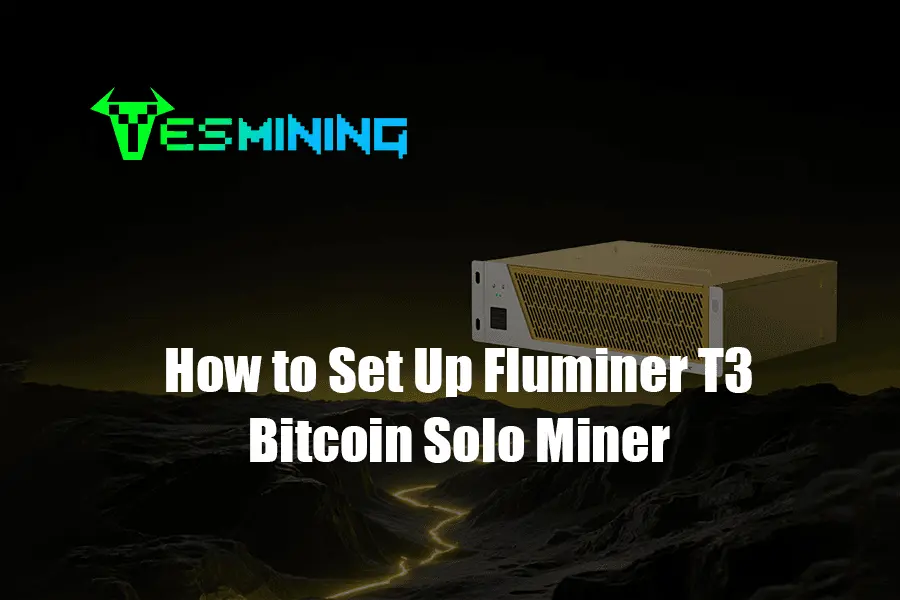
Table of Contents
1. Introduction to Bitcoin Solo Mining
Bitcoin mining remains the core process for blockchain security and new block generation. In an era dominated by pool mining, solo mining represents a return to Satoshi Nakamoto’s original vision of decentralization—where individual miners compete to package new blocks using their own computing power and claim the full block reward. With the emergence of efficient and silent ASIC miners like the Fluminer T3, solo mining has become a feasible technical practice for home and small office environments.
2. What is Fluminer T3? Why is it Suitable for Home Mining?
The Fluminer T3 is a revolutionary silent Bitcoin ASIC miner designed specifically for home and small office environments. It successfully balances performance with acceptable environmental interference. Its main features are as follows:
- Powerful Hash Rate: Provides a hash rate of up to 115 TH/s, offering excellent performance among similar silent models.
- Top-tier Energy Efficiency: An energy consumption ratio of only 14.7 J/TH, meaning high hash rate is achieved while optimizing electricity consumption and operational costs.
- Low Power and Silent Design: Rated power consumption is approximately 1700 watts. Combined with advanced cooling and silent technology, it can operate continuously in living or office spaces without causing excessive noise disturbance.
For beginners and professional enthusiasts, choosing a miner from a reliable source that provides complete after-sales support is crucial. For example, purchasing the Fluminer T3 from an authorized supplier like Yesmining.io not only ensures you receive a genuine new device but also provides all accessories from the original packaging, professional technical guidance, and most importantly, warranty service. This lays a solid foundation for long-term, stable home mining.
3. Why Consider Solo Mining?
- Solo Full Reward: Successfully mining a block allows you to claim the entire current block reward of 3.125 BTC (post-2024 halving) along with associated transaction fees, with no sharing required.
- Enhancing Network Decentralization: Directly contributes to the security and decentralization of the Bitcoin network.
- Privacy and Control: Complete control over your mining process, with no need to submit identity or earnings information to a pool.
- Technical Challenge and Learning: Excellent hands-on practice for deeply understanding Bitcoin node operation and the full mining workflow.
Important Risk Notice: Solo mining profits are highly volatile and based on luck. Due to the small proportion of the total network hash rate, the time interval to find a block can range from days to years. It is not suitable for those seeking stable cash flow. Please fully understand the risks before proceeding.
4. Preparation: Hardware, Node, and Knowledge
- Fluminer T3 Miner and Power Supply: Purchase through a formal channel like Yesmining.io for compatibility, quality, and reliable customer support.
- Stable Broadband Internet: Wired Ethernet connection recommended.
- Suitable Operating Environment: Well-ventilated, ambient temperature preferably below 30°C.
- Your Own Bitcoin Full Node: Required for solo mining.
- Bitcoin Wallet Address: For receiving rewards.
- Basic Networking Knowledge: IP configuration, etc.


5. Step-by-Step Setup Guide
5.1 Unboxing, Verification, and Hardware Assembly
Check packaging and verify the Fluminer T3 model. Inspect all components and connect the power supply according to the manual.
5.2 Network Configuration
Connect the Fluminer T3 via Ethernet, find its IP through your router’s DHCP client list, and prepare for web interface access.
5.3 Software Installation and Firmware Update
- Access the miner’s web interface via IP.
- Change default login password.
- Install latest official firmware from the “System” page.
5.4 Configuring Solo Mining (Connecting to Node)
Enter your Bitcoin node’s IP in the miner’s pool configuration settings. Use your Bitcoin wallet address and RPC credentials to start solo mining.
5.5 Optimization and Silent Settings
Choose operating mode (Silent, Balanced, Performance). Adjust fan curves to reduce noise while monitoring chip temperature. Consult supplier support for optimal parameters.
6. Long-term Maintenance and Best Practices
- Daily monitoring of hash rate and temperature.
- Clean dust from air intakes and heat sinks regularly.
- Ensure Bitcoin full node runs 24/7.
- Keep purchase and warranty documentation for reliable support.
7. Realistic Considerations: Cost, Profit, and Risk Assessment
- Hardware Cost: Fluminer T3 purchase, shipping, customs, and warranty service.
- Electricity Cost: 1700W × 24h × local kWh rate.
- Profit: 3.125 BTC block reward; low probability due to network hash rate.
Solo mining is a technical experiment with potential high rewards. Assess device parameters and supplier reliability before purchasing.
8. Common Problem Troubleshooting
- Cannot connect to node: check IP, port, firewall.
- Unstable hash rate: verify network stability, power, and clean dust.
- Hardware errors: lower overclock, improve cooling, or contact supplier support.
9. Safety and Operational Precautions
- Change all default passwords.
- Restrict RPC access to internal network IPs only.
- Ensure secure physical placement and proper circuits.
- Purchase from reputable suppliers to avoid modified or used devices.
10. Conclusion and Next Steps
Fluminer T3 home solo mining combines technical passion with supporting the Bitcoin network. Choose a reliable supplier, build your Bitcoin full node, and engage with technical communities for smooth operation and long-term success.


















 Bitdeer
 Bitmain
 BOMBAX
 DragonBall
 Elphapex
 Fluminer
 Goldshell
 iBelink
 Iceriver
 Ipollo
 Jasminer
 Volcminer
 Aleo Miner
 Bitcoin(BTC) Miner
 CKB Miner

 ETC Miner


 Kaspa(KAS) Miner


 Siacoin(SC) Miner